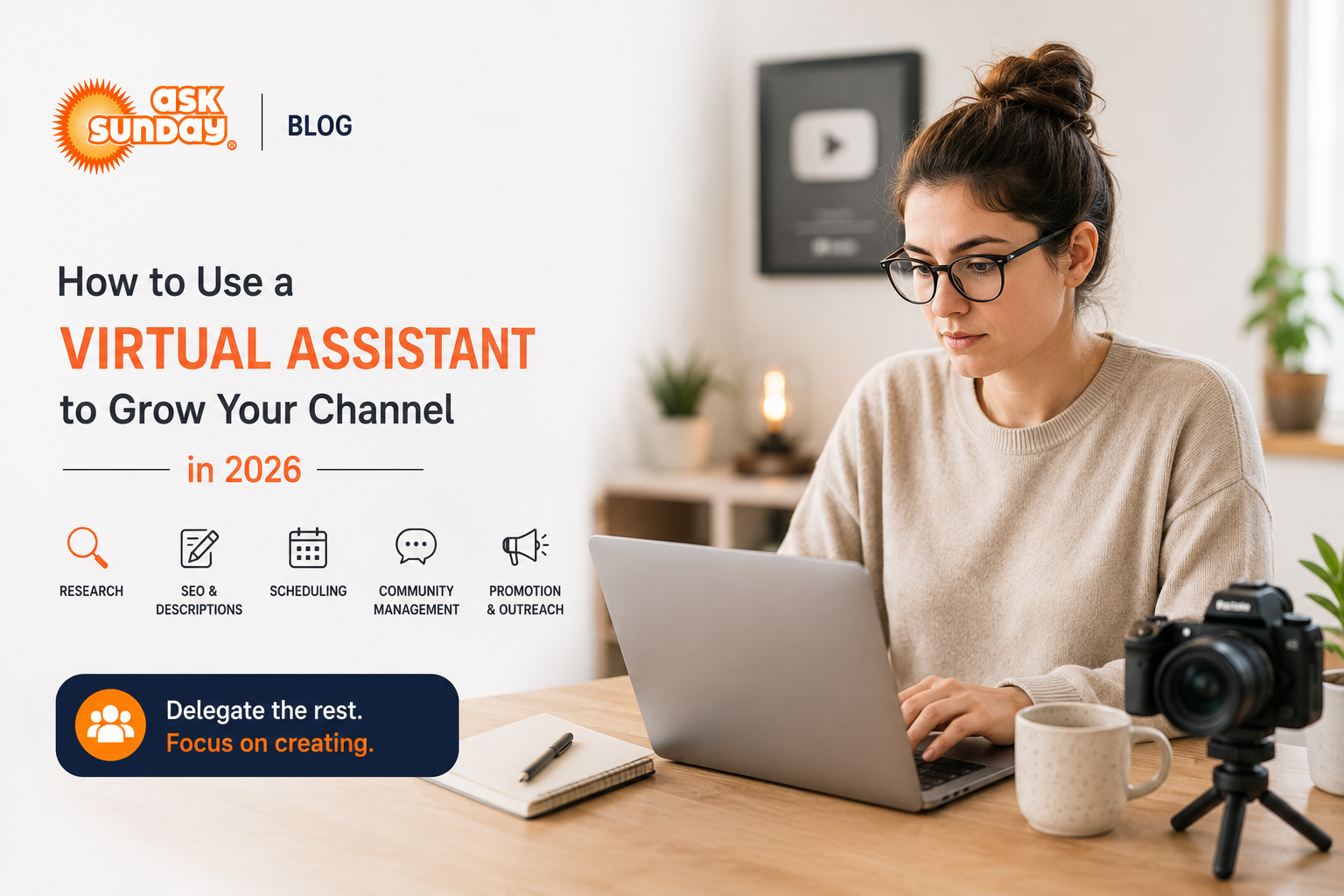
Building a successful YouTube channel requires a lot more than filming great videos. Between keyword research, thumbnail design, video descriptions, community management, collaboration outreach, and cross-platform promotion — the operational side of YouTube can easily eat as many hours as the creative side.
That's where a virtual assistant comes in. In this guide, we'll walk you through exactly how to use a VA to scale your YouTube channel in 2026 — freeing you to focus on what you do best: creating great content.
Quick Verdict
- Top creators like MrBeast run teams dedicated to the operational side of YouTube.
- A VA can handle research, scheduling, SEO, community management, and outreach.
- AskSunday's dedicated VAs support content creators across YouTube, podcasts, and social media.
Why YouTubers Need a Virtual Assistant
The most successful YouTube channels are run like media businesses. The creator is the talent — but a whole team runs everything behind the scenes. If you're a solo creator trying to do it all, you're not just overworked — you're limiting your growth ceiling.
Even one dedicated VA, working part-time on your channel operations, can dramatically increase your output and consistency — the two factors that matter most to the YouTube algorithm.
Tasks a VA Can Handle for Your YouTube Channel
1. Video Topic and Keyword Research
Your VA research trending topics in your niche using tools like TubeBuddy, VidIQ, and Google Trends. They deliver a content brief with titles, keyword targets, and competitive analysis — so you show up to film with a clear direction.
2. Video Title and Description Optimization
Writing SEO-optimized titles and descriptions is a skill that directly affects click-through rate and discoverability. Your VA learns your channel's tone and handles this for every upload.
3. Thumbnail Brief Creation
Your VA can brief your thumbnail designer (or create simple thumbnails themselves) by compiling reference examples, color palettes, and A/B test data from your previous videos.
4. Upload Scheduling and Checklist Management
From adding cards and end screens to checking subtitles and setting the right category — your VA follows your upload checklist to ensure every video goes live correctly.
5. Community Tab and Comment Management
Responding to comments, pinning top replies, flagging spam, and posting Community Tab updates keeps your audience engaged between uploads. Your VA can manage this daily.
6. Cross-Platform Promotion
Repurposing your YouTube content for Instagram Reels, TikTok, Twitter, and LinkedIn extends your reach without extra filming. Your VA clips, captions, and schedules these posts for you.
7. Email Newsletter Management
If you have an email list, your VA writes and schedules newsletters that drive viewers back to your latest videos — a channel growth lever most creators ignore.
8. Collaboration and Brand Outreach
Finding and reaching out to collaboration partners, brand sponsors, and podcast opportunities takes hours of research and follow-up. Your VA builds your outreach pipeline and manages communication.
9. Analytics Reporting
Your VA compiles a weekly or monthly report summarizing your key metrics — views, watch time, subscribers, CTR, and top-performing videos — so you can make smarter content decisions.
10. Caption and Subtitle File Management
Proper captions improve accessibility and SEO. Your VA uploads caption files, reviews auto-generated captions for accuracy, and ensures all videos are properly subtitled.
Sample Weekly VA Workflow for a YouTube Creator

How to Brief Your VA on Your Channel
- Share your channel analytics access (View-only is sufficient for reporting tasks)
- Create a 'Channel Bible' document: your niche, target audience, tone, content pillars, and upload schedule
- Share examples of your best-performing videos and what made them work
- Set up tool access: TubeBuddy or VidIQ, your scheduling tool, Canva if used for thumbnails
- Define what 'done' looks like for each task — attach sample outputs or templates
Creator Tip
- Record a 10-minute Loom video walking your VA through your upload process from start to finish.
- This single video can eliminate 90% of questions and get your VA working independently within days
Why AskSunday for Content Creators
AskSunday has supported YouTubers, podcasters, and digital creators across niches — from personal finance and fitness to tech reviews and entrepreneurship.
- Dedicated VA who learns your channel's voice, audience, and growth goals
- Expert team backup for specialized tasks: SEO, graphic briefs, outreach
- Flexible plans — scale up during launch periods, scale back when filming
- Free trial available — start growing your channel without risk
Final Thoughts
The creators who scale past 100K subscribers aren't working harder — they're working smarter, with support systems that keep their channel running like a machine between uploads.
A dedicated VA is your first team member. Start your free trial with AskSunday today and experience what it feels like to just show up and create.
Frequently Asked Questions
Do I need a large channel to justify hiring a VA?
No. Even channels with 1,000–10,000 subscribers benefit from VA support, particularly for SEO optimization, consistency, and outreach — the activities that accelerate early channel growth.
Can a VA help me get brand deals?
Yes. Your VA can research relevant brands, draft outreach emails in your voice, follow up on inquiries, and manage your brand deal pipeline — a high-value task that most creators never get to consistently.
What tools should my YouTube VA use?
TubeBuddy or VidIQ for keyword research, Canva for design briefs, Buffer or Later for social scheduling, Airtable or Notion for content calendars, and Google Analytics or YouTube Studio for reporting.
Start Your Free Trial → asksunday.com