


 0808 234-2046
 1 800 983 148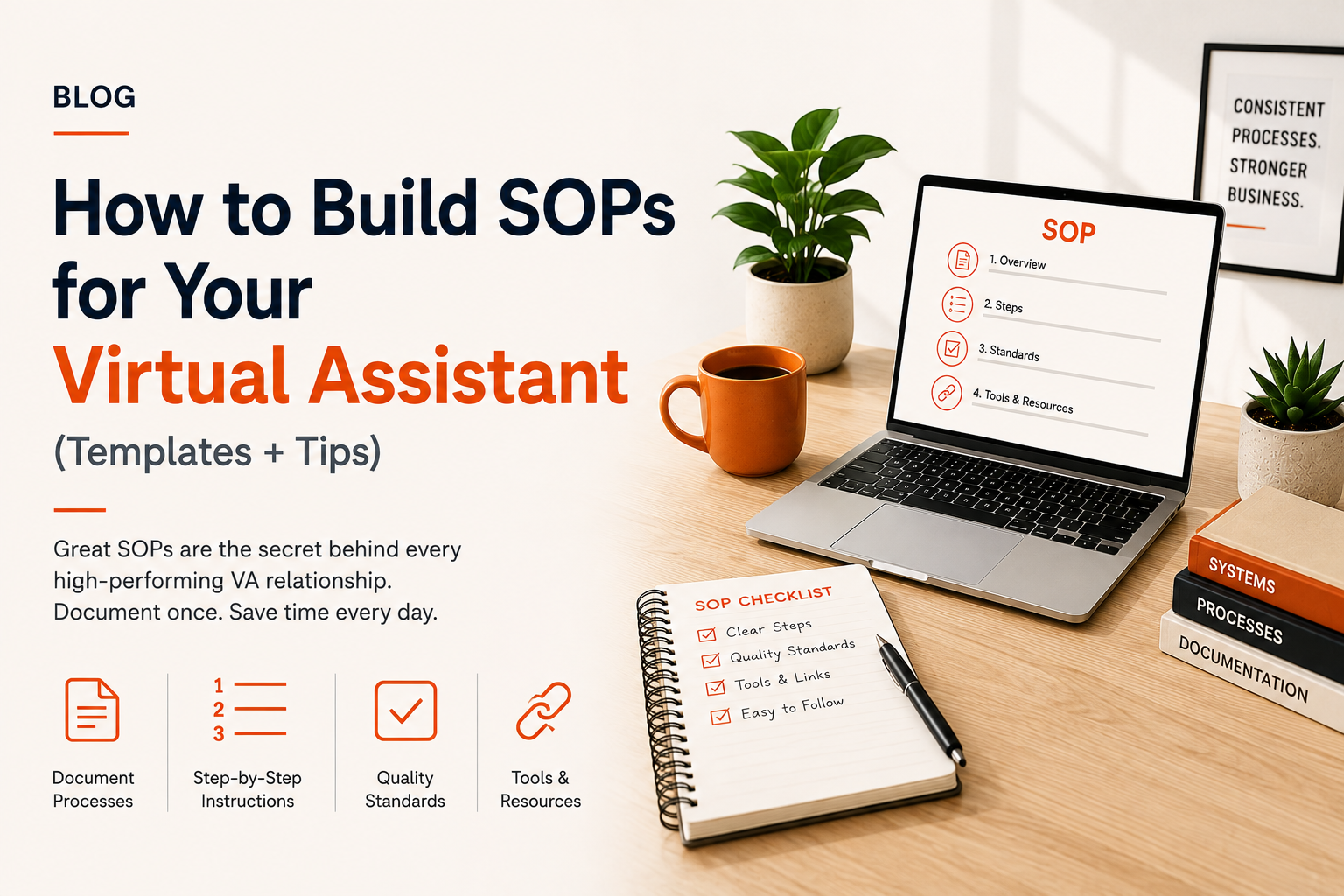
How to Build SOPs for Your Virtual Assistant (Templates + Tips)
The difference between a VA who always needs hand-holding and one who operates like a trusted partner comes down to one thing: Standard Operating Procedures (SOPs).
SOPs are the documentation behind every efficient, scalable business operation. They transform your personal knowledge into repeatable systems that your VA can execute independently — consistently, correctly, every time. In this guide, we'll show you exactly how to build them without it feeling like a project.
Quick Summary
- SOPs document how tasks should be done — giving your VA a reference guide that eliminates repeated questions.
- You only need to write an SOP once. It saves hours every month after that.
- Good SOPs = faster onboarding, fewer errors, and a VA who works independently
What Is an SOP and Why Does It Matter?
A Standard Operating Procedure is a step-by-step document that describes how to complete a specific task. It captures your preferences, standards, tools, and decision rules — so your VA can complete the task without needing to ask you every time.
Think of an SOP as the instruction manual for your business. Every time you explain how to do something to your VA, you're wasting the opportunity to write an SOP that makes that explanation permanent.
The 4 Components of a Great VA SOP
1. Task Overview
A one to two sentence summary of what the task is and why it matters. This gives your VA context so they can apply judgment in edge cases.
2. Step-by-Step Instructions
A numbered sequence of actions. Be specific: name the exact tool, screen, button, or field. Assume nothing — write it as if training someone on Day 1.
3. Standards and Quality Checklist
Define what 'done correctly' looks like. Include a checklist your VA can run through before marking the task complete: formatting standards, word counts, approval steps, or accuracy checks.
4. Tools, Links, and Resources
List every tool, template, login, or reference document needed to complete the task. Attach templates directly in the SOP where possible.
SOP: Daily Email Triage
OVERVIEW: Review the business inbox each morning and sort, action, or draft responses before 9am.
STEPS:
- Log into [email] and open the inbox.
- Label each email using the following categories: Action Required / FYI / Waiting / Archive.
- For Action Required: draft a response using the relevant template from the Templates folder.
- For FYI: move to FYI folder — no response needed.
- For Waiting: add to the Follow-Up tracker in Notion.
- Send a daily summary to [name] by 9am listing Action Required items and drafted responses.
QUALITY CHECK: No email older than 24 hours should remain unactioned. Drafted responses should be proofread before sending to [name] for review.
TOOLS: Gmail (credentials in LastPass), Email Templates folder (Google Drive), Follow-Up Tracker (Notion link below).
5 Key SOPs Every Business Owner Should Build
1. Email Management SOP
How to triage, respond to, and file emails. Include your folder structure, template locations, escalation criteria, and daily summary format.
2. Calendar Management SOP
How to schedule meetings, handle conflicts, add buffer time, and manage meeting prep tasks. Include your scheduling preferences, buffer rules, and how to handle last-minute changes.
3. Social Media Posting SOP
How to draft captions, select images, apply hashtags, schedule posts, and report monthly metrics. Include your content pillars, tone guide, and platform-specific rules.
4. Invoice and Billing SOP
How to create invoices, send to clients, track payment status, and follow up on late payments. Include your billing schedule, invoice template, and reminder sequence.
5. Research Task SOP
How to scope a research request, what sources to use, how to format the output, and how long to spend. A meta-SOP for research tasks saves briefing time on every ad hoc request.
How to Build SOPs Without It Becoming a Big Project
The biggest mistake people make is treating SOP-building as a separate initiative. Instead, build SOPs in context — while the task is happening.
- The next time you explain a task to your VA, record a Loom video walkthrough
- Ask your VA to transcribe the video into a written SOP draft
- Review and edit the draft — this takes 10 minutes instead of 60
- Store the SOP in a shared folder (Notion, Google Drive, or ClickUp) and link it from your task manager
- Update the SOP any time the process changes
The Loom Method
- Record yourself doing the task once — narrate every click and decision.
- Send the recording to your VA with: 'Please turn this into a step-by-step SOP.'
- Review the draft, make corrections, and you have a permanent process document.
- Total time invested: 15–20 minutes. Value: months of independent VA execution.
Where to Store and Organise Your SOPs
- Notion: Best for businesses that want linked databases, templates, and wiki-style organisation
- Google Drive: Simple, accessible, and easy to share — good for small teams
- ClickUp / Asana: Built-in SOP functionality alongside task management
- Trainual: Purpose-built SOP and training platform for growing teams
Whichever tool you use, create a consistent naming convention: [Function] – [Task Name] – SOP. Example: 'Marketing – Social Media Scheduling – SOP'
Signs Your SOPs Need Updating
- Your VA asks the same question more than once
- The tool or platform referenced in the SOP has changed
- You've changed a process but haven't updated the documentation
- A new team member can't follow the SOP without additional explanation
Schedule a quarterly SOP review — 30 minutes every 3 months keeps your documentation current and your VA performing at their best.
Final Thoughts
SOPs are the infrastructure of a well-run virtual team. They're the difference between a VA who needs constant direction and one who operates as a genuine business partner. The investment is small — but the return compounds every single week.
Start with one SOP today. Build five by the end of your first month. By month three, your VA will be running your operations with minimal oversight — exactly as it should be.
Frequently Asked Questions
1. How long should an SOP be?
Most effective SOPs are one to two pages — detailed enough to follow without guidance, but concise enough to actually be read. Avoid writing essays; use numbered steps and checklists.
2. Should I write SOPs before or after hiring my VA?
Writing a few core SOPs before your VA starts (email, calendar, one or two key tasks) dramatically accelerates onboarding. But don't wait for perfect documentation — build as you go.
3. What if my processes change frequently?
Document the current best process and note that SOPs should be updated when processes change. A living SOP is always better than no SOP. Date your documents so everyone knows which version is current.